Guide Tool Overview
Precision alignment guides for your on-screen design work. Manipulate, position, and stamp guides with ease.
Manipulating Guides
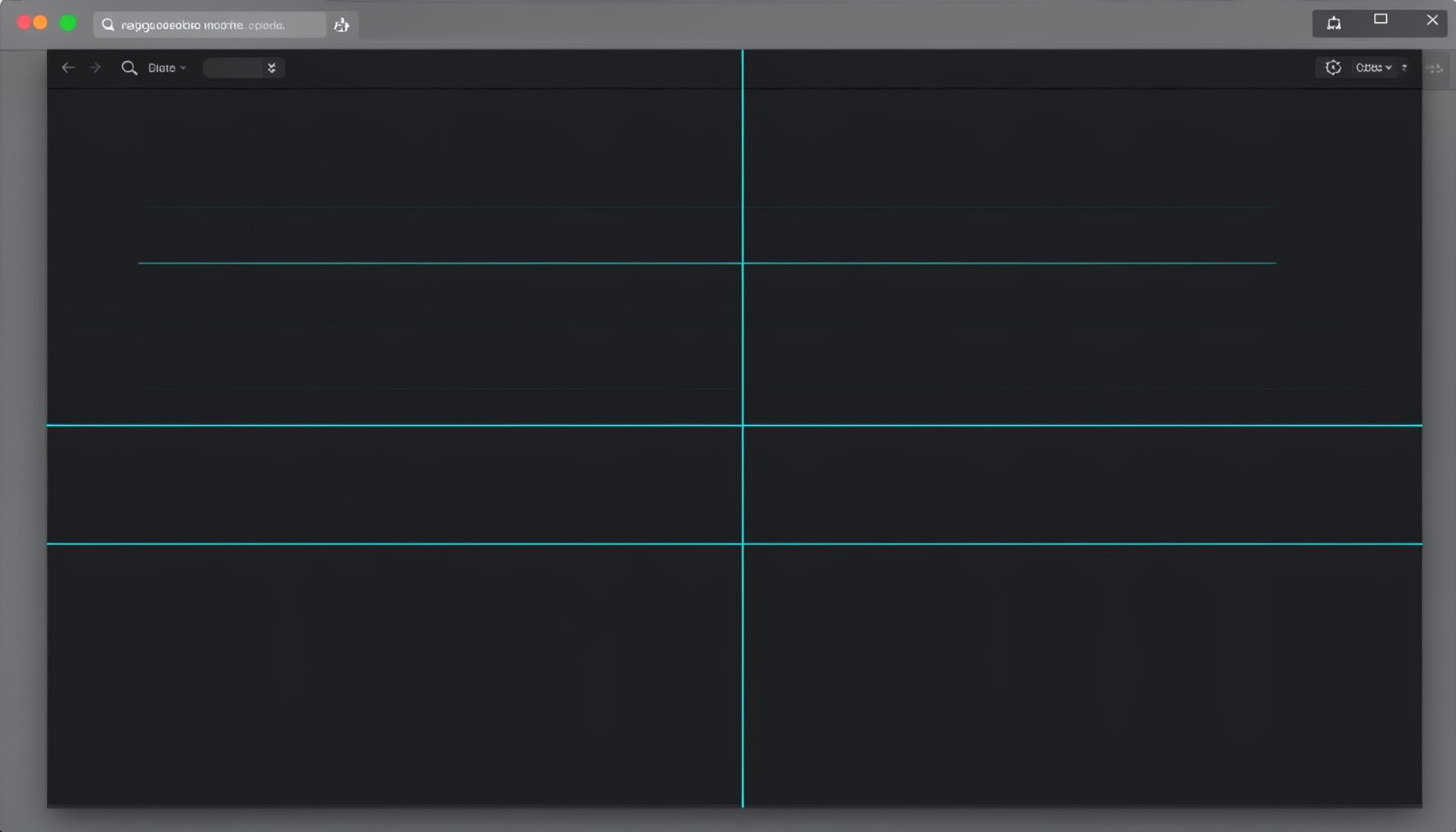
The Guide tool lets you place horizontal and vertical guides anywhere on screen. Drag guides into position, nudge them with arrow keys for pixel-perfect placement, and lock them once aligned. You can run multiple guides simultaneously, each independently adjustable.
Guide Stamping
Guide Stamping captures the current guide layout and overlays it onto your design canvas. This is useful for marking consistent breakpoints, baseline grids, or repeating alignment references across multiple screens or artboards.
- Place and reposition guides by dragging
- Nudge guides with keyboard arrows for fine control
- Lock guides to prevent accidental movement
- Stamp guide layouts onto your workspace
The Guide tool in QuickLens transforms how designers approach on-screen alignment by offering precision control over horizontal and vertical guides. You can drag guides into position anywhere on your display, then nudge them with arrow keys for pixel-perfect placement. Multiple guides can run simultaneously, each independently adjustable, and locking them in place prevents accidental shifts during detailed work. Guide stamping takes this further by capturing your current guide layout and overlaying it onto your design canvas, making it simple to mark consistent breakpoints, check baseline alignments, or reference established grid structures across different screens and applications.