QuickLens Tools
Monocle Tool
Zoom into any area of your screen with a dimmed overlay that keeps the rest of your workspace visible. Pin the Monocle to your desktop and adjust its shape and size for focused inspection.
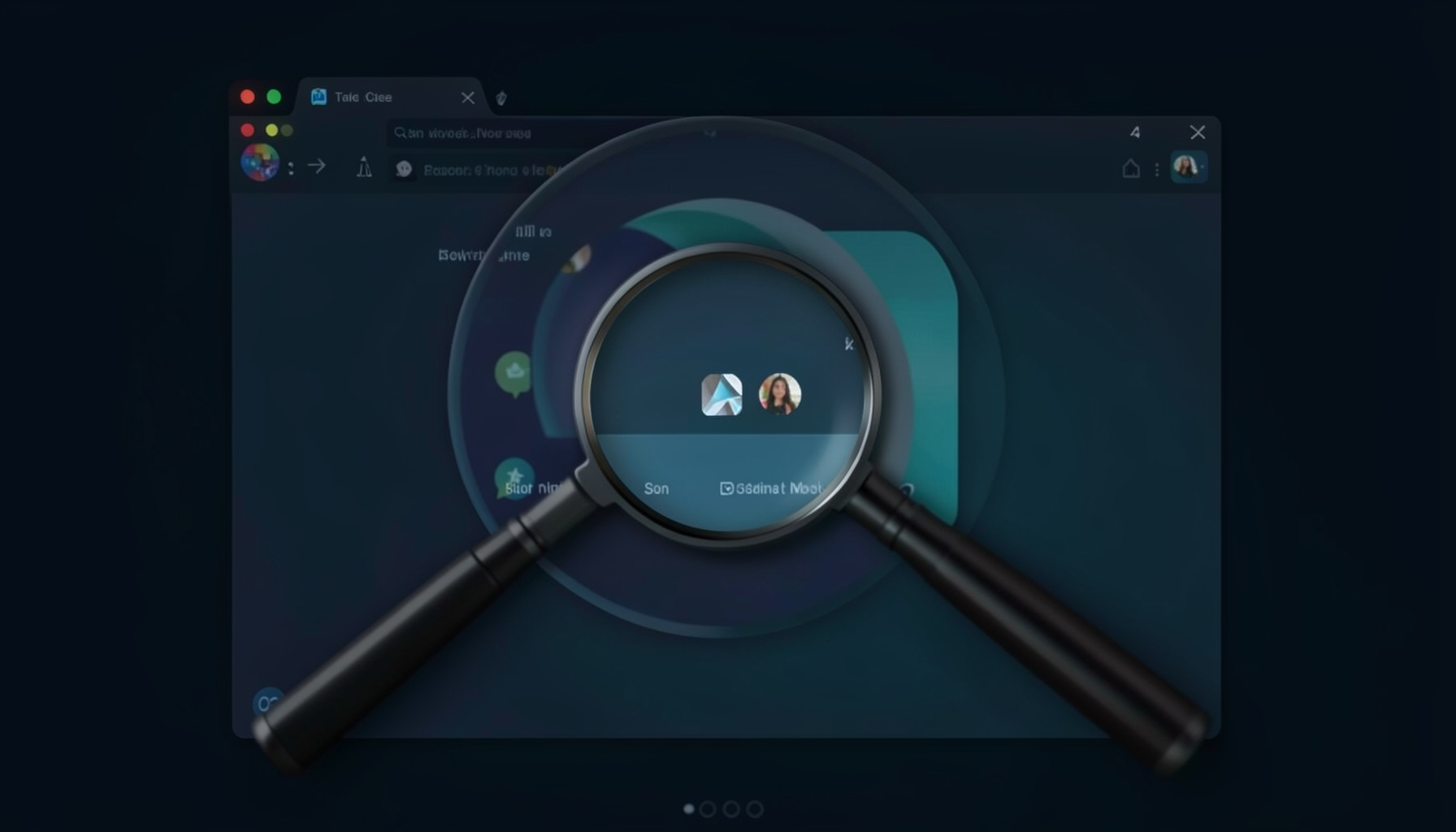
Zoom and Overlay Dimming
The Monocle tool magnifies a selected region of your screen while applying a dimming overlay to everything outside the inspection area. This lets you concentrate on fine details without losing context of the surrounding interface.
Desktop Pinning
Pin the Monocle window to your desktop so it stays visible above other applications. This is especially useful when you need to keep a magnified reference area in view while working across multiple windows or tools.
Shape and Size Controls
Adjust the Monocle's shape and dimensions to suit your task. Resize the inspection area freely and modify its proportions to focus on exactly the region you need — whether it's a narrow strip of pixels or a broad section of the screen.
Zoom
Magnify any on-screen region for precise pixel-level inspection.
Overlay Dimming
Darken the surrounding area to reduce visual noise and stay focused.
Desktop Pinning
Keep the Monocle floating above all windows for constant reference.
Shape & Size
Resize and reshape the inspection area to match your workflow.
The Monocle is one of seven precision tools included in QuickLens. Use it alone or combine it with the Lens, Ruler, or Crosshair for a complete on-screen inspection workflow.
The Monocle tool in QuickLens offers a refined approach to inspecting screen details by combining magnification with a dimmed overlay that keeps the surrounding interface visible yet unobtrusive. This allows designers and developers to zero in on pixel-level elements, checking alignment, color accuracy, and spacing without losing sight of how those details fit within the broader layout. The ability to pin the Monocle window to the desktop ensures it remains accessible above other applications, making it ideal for extended review sessions. With adjustable shape and size controls, the tool adapts to whatever region needs scrutiny, whether a small icon or a larger interface component. This focused inspection capability complements the other QuickLens utilities, creating a cohesive workflow for precise on-screen measurement and analysis.
Try the Monocle and all seven QuickLens tools free for 7 days.
Get QuickLens — $9.99