Measure Length & Angles
Drop the Tape tool anywhere on screen to capture precise length, angle, and shape measurements with live info overlays.
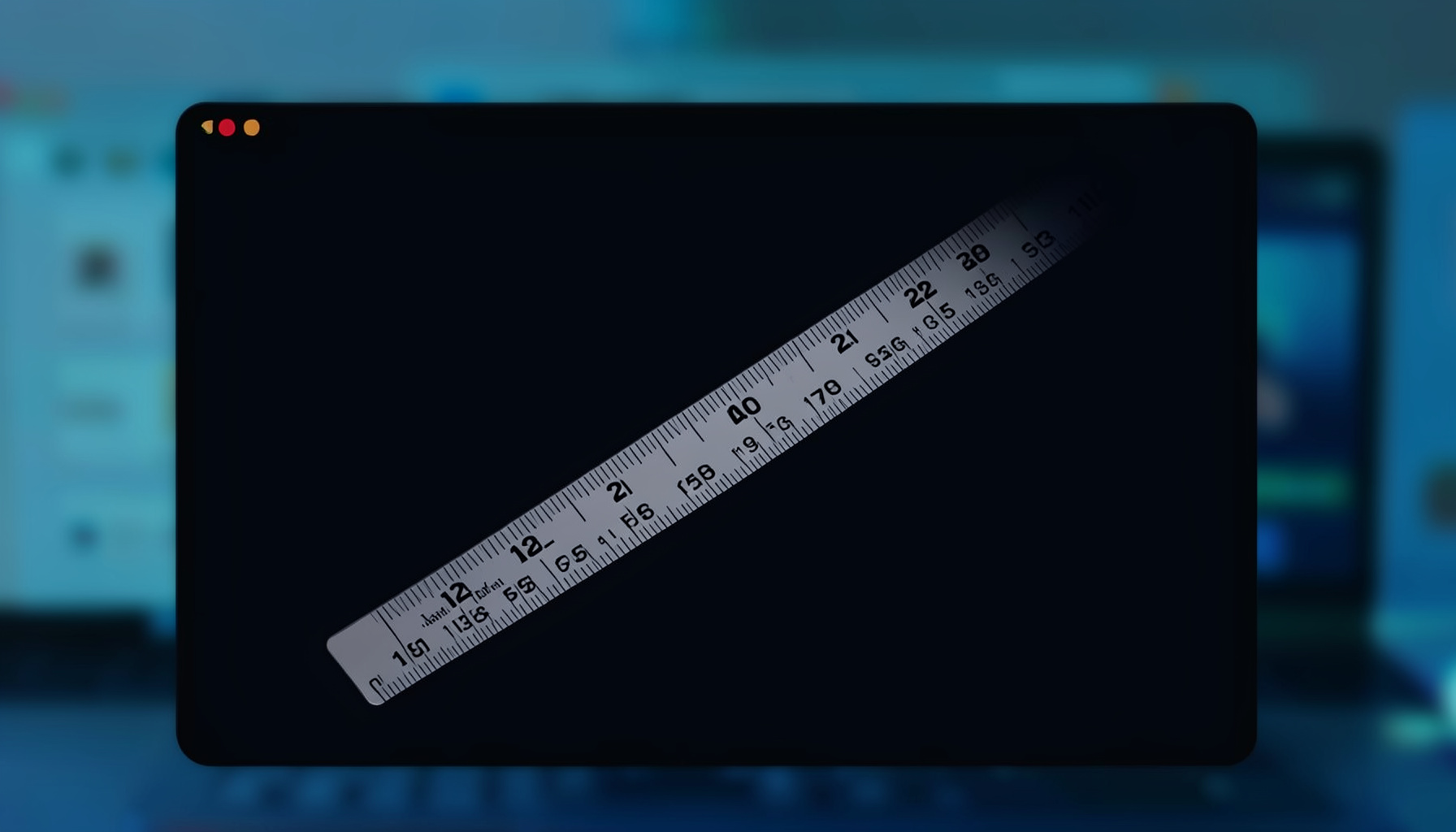
How the Tape Tool Works
The Tape tool gives you a flexible on-screen measuring tape that you can position and rotate freely. Drag its endpoints to span any two points on your display, and QuickLens instantly reports the distance and angle between them.
Length & Angles
Measure the straight-line distance between any two points and read the angle in degrees — all updated in real time as you adjust.
Shape Measurements
Go beyond a single line: the Tape tool can measure bounding rectangles and other shapes for quick layout checks.
Info Overlays
Measurement values float directly on screen so you never lose sight of the numbers while inspecting your designs.
Using the Tape Tool
Launch the Tape tool from the QuickLens menu. Click and drag to place the tape endpoints wherever you need them. The info overlay shows length and angle continuously. Combine it with other QuickLens tools — such as the Frame or Guide — for comprehensive on-screen inspection.
- Drag endpoints to reposition the measurement line.
- Read distance and angle directly from the floating overlay.
- Use alongside the Ruler or Frame tools for layered measurements.
Try the Tape Tool Free
QuickLens offers a 7-Day Free Trial. Get all seven tools, including Tape, for $9.99.
View the User Guide